
Bookie
Open source · Desktop app
Bookkeeping that
belongs to you.
Bookie is the free, local alternative to subscription tools like lexoffice or sevDesk. Write invoices, record bills, track time – offline, on your own machine.
The app interface is currently German – an English UI is on the roadmap.
- Windows · macOS · Linux
- ~6 MB
- Open source · MIT
- Free, no subscription
Everything for invoicing and oversight.
Nothing you don’t need.
100% local
Your data lives in a SQLite database on your machine. No account, no server, no tracking.
Mandatory fields per country
Invoice profiles with all legally required fields for six countries.
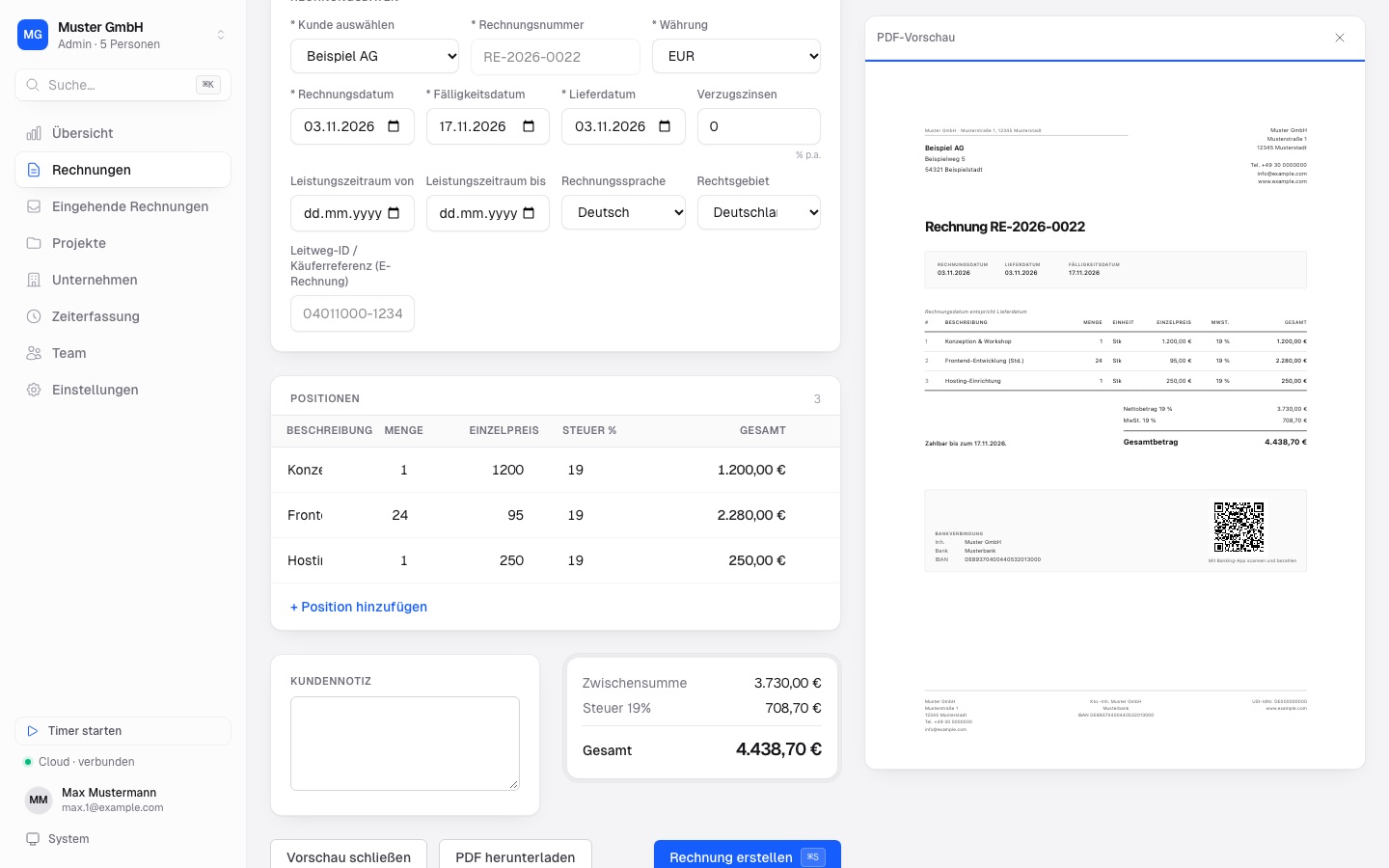
Your logo & PDF preview
Invoice PDFs in your own design – check them before you send.
Dashboard
Revenue, expenses and profit & loss by month, quarter or year.
Time tracking
Track hours per project and bill them as timesheets.
Backups with S3 sync
Local backups, optionally synced to your own S3 bucket.
Automatic updates
Bookie updates itself from GitHub Releases.
This is Bookie.
Swipe for more →
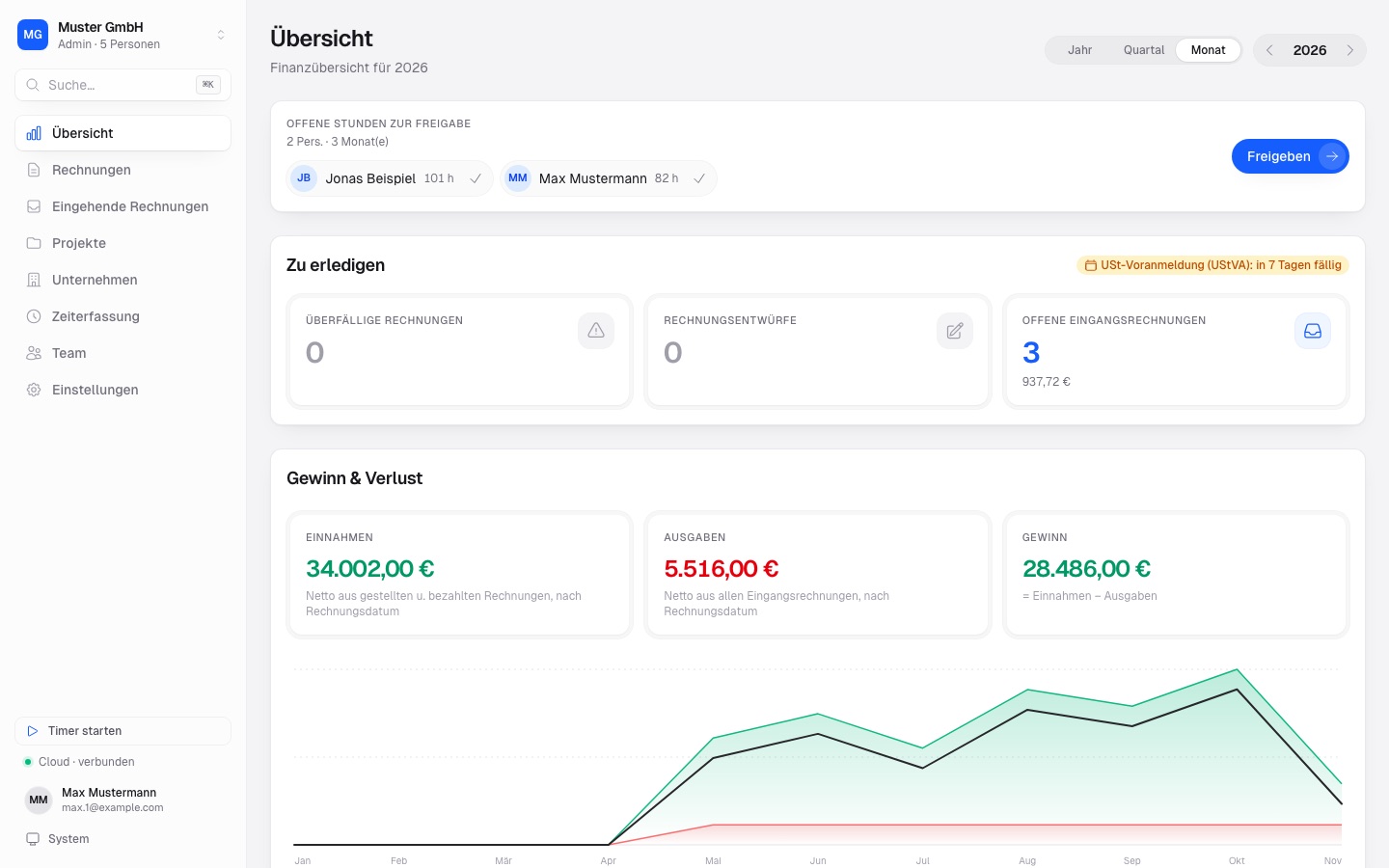
01Overview with profit & loss
02New invoice with PDF preview
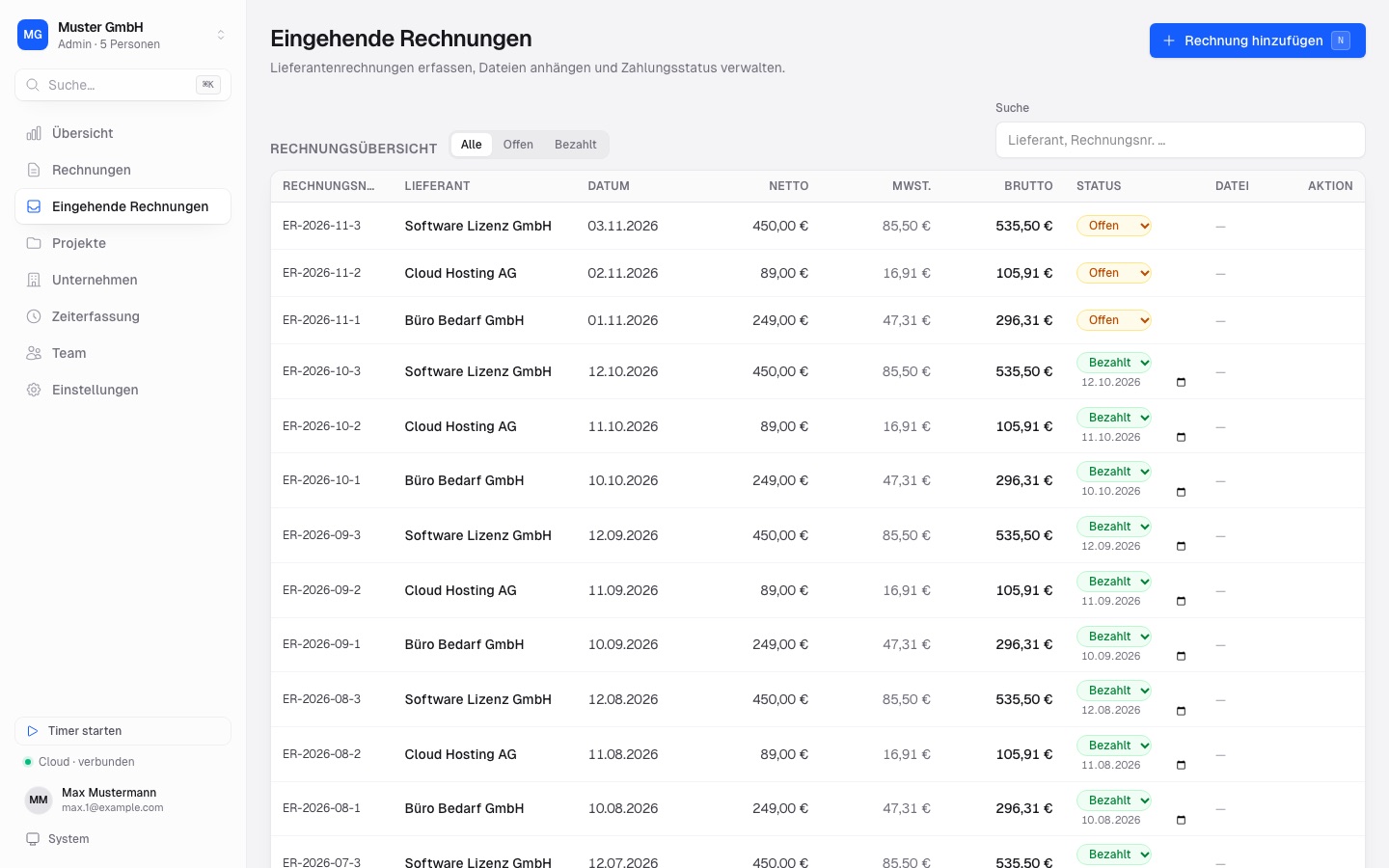
03Incoming invoices
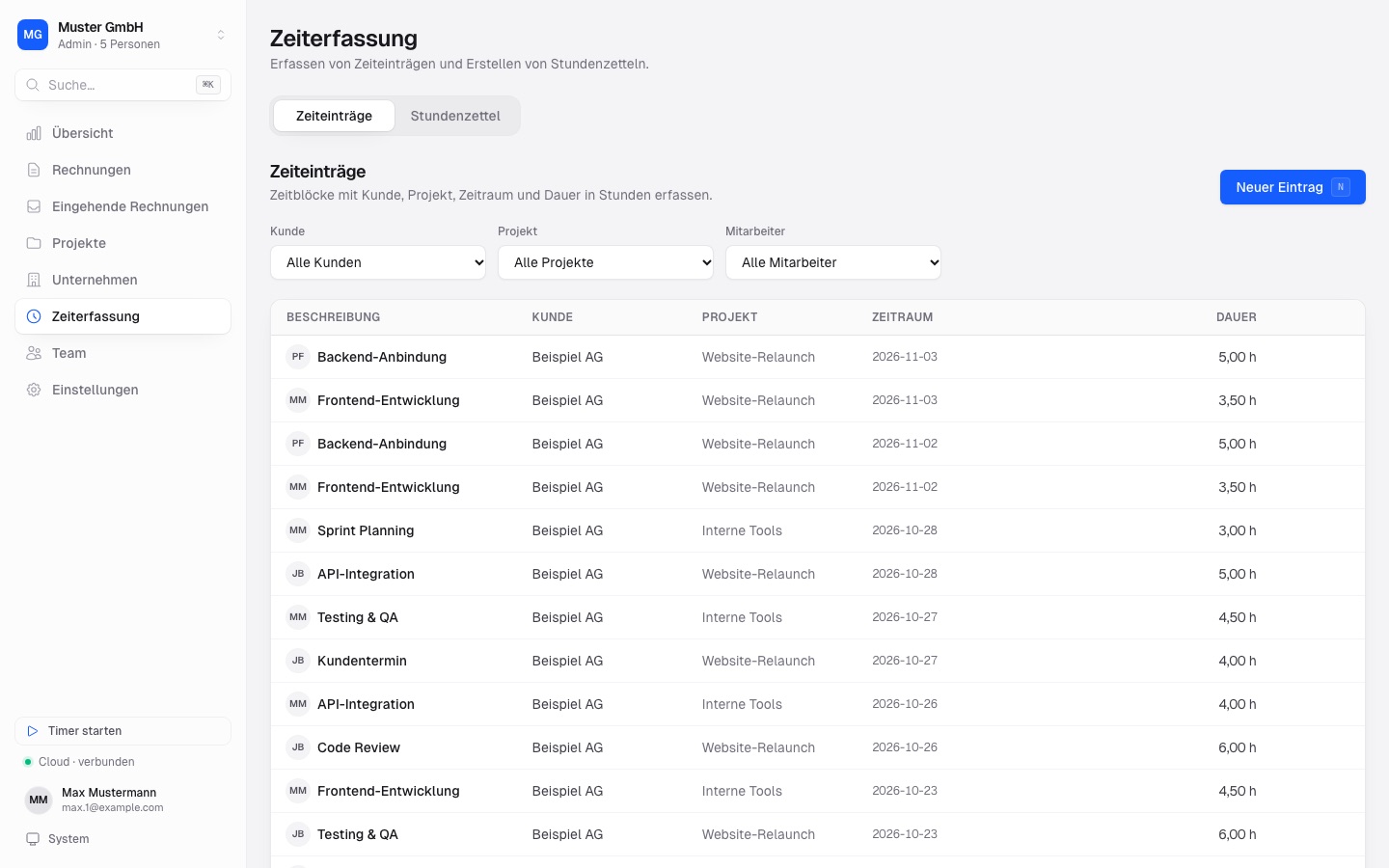
04Time tracking & timesheets
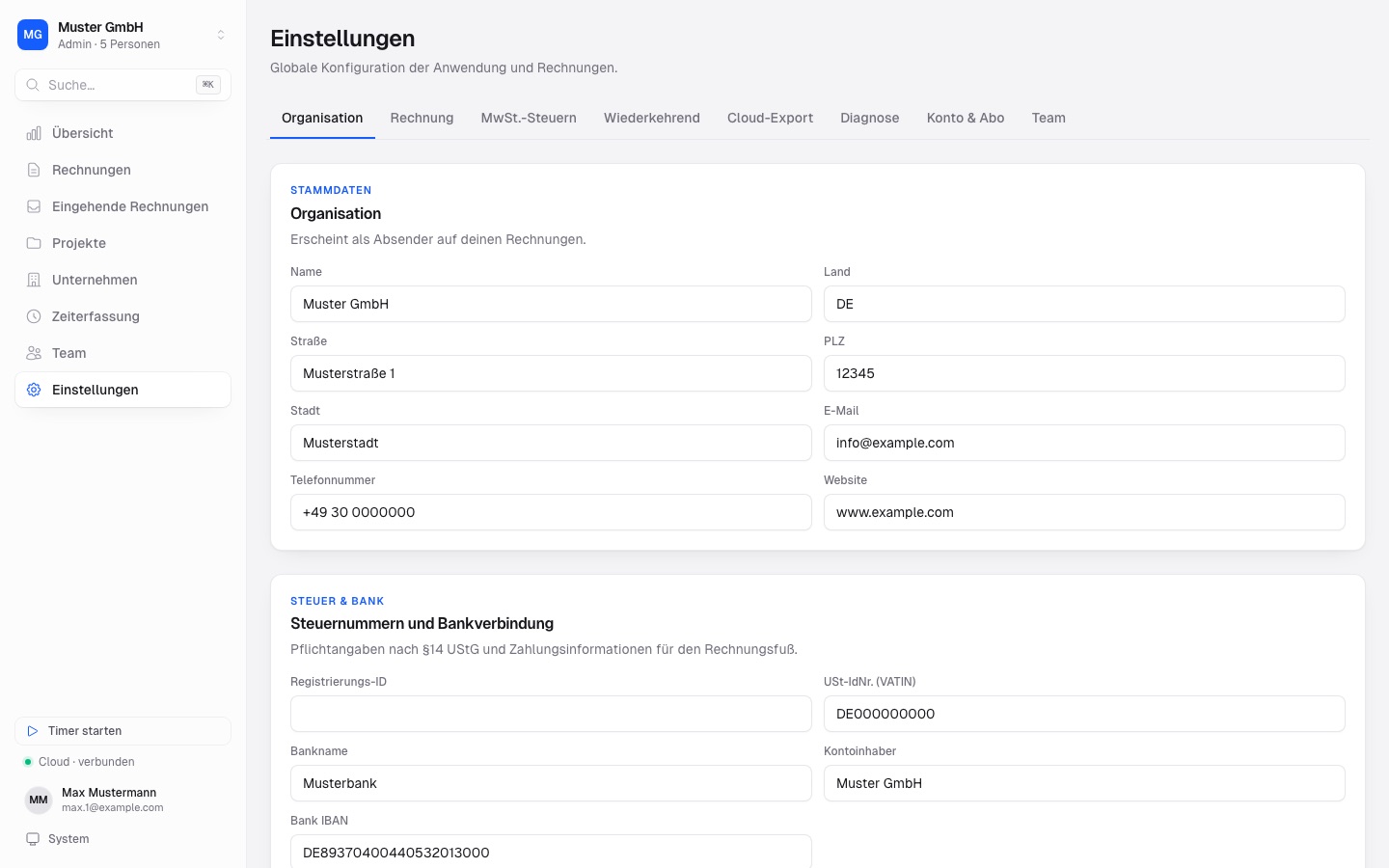
05Settings: organisation
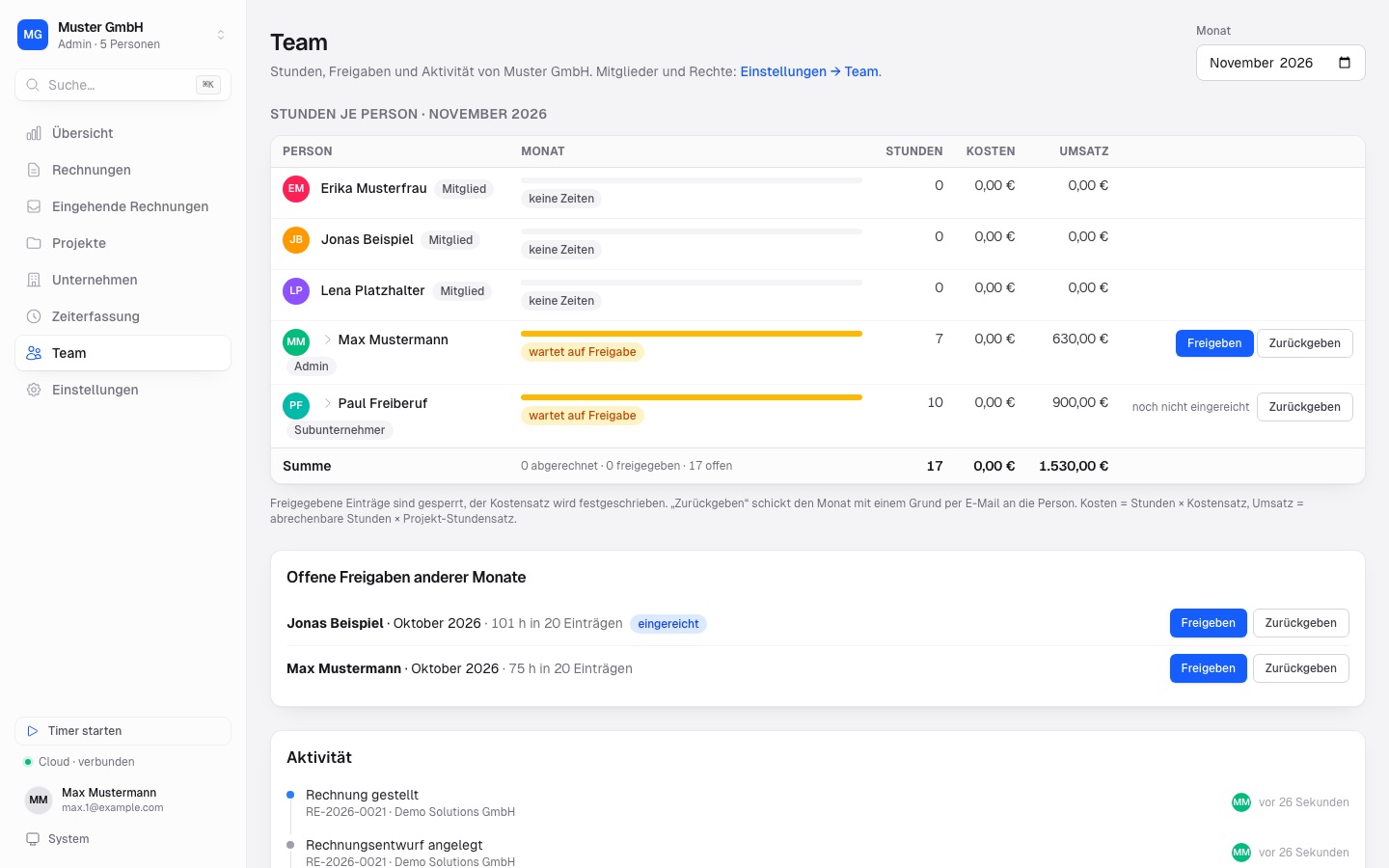
06Cloud: team hours & approvals
What’s next.
- In progress
E-invoicing
Receive and create XRechnung and ZUGFeRD invoices.
- Planned
English interface
Plus more countries and jurisdictions.
- Planned
Managed cloud
Optional cloud backup for a small fee – no S3 bucket of your own needed.
Free. Local forever.
For Windows, macOS and Linux. The download page detects your operating system automatically.
Bookie is not code-signed yet, so your OS may show a warning on first launch – the download page explains how to proceed.